Post to Instagram from your desktop.
If your photos and reels are made on a computer, posting them through a phone is a chore: export, transfer, retype the caption, repeat. Instagram's website can post, but the workflow around it is thin.
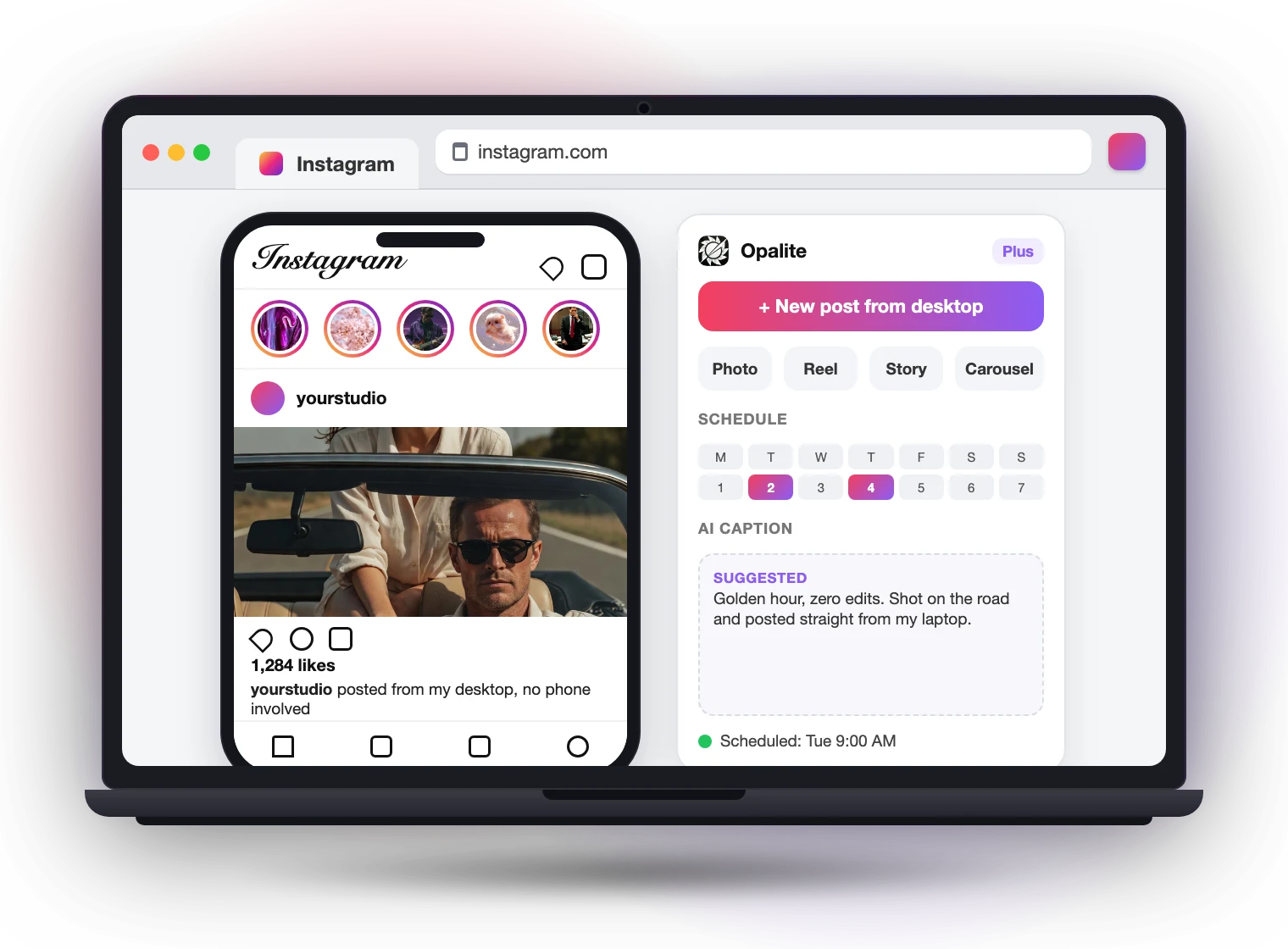
Opalite for Instagram is a Chrome extension that completes the desktop workflow. Upload photos, reels, stories, and carousels from your files, plan the week on a calendar, and write captions with AI. It runs inside your own Instagram session, so there is no password sharing and nothing to connect.
Add to ChromeFree to install. No card needed.
What it does
Post from your desktop
Photos, reels, stories, and carousels, uploaded straight from your files. No sending images to your phone first.
Stories with the full toolkit
Photo and video stories with music, stickers, mentions, and links, composed on a big screen.
Schedule on a calendar
Queue posts, stories, and reels across the week. Import a whole batch at once from a CSV.
AI captions and hashtags
Captions written from the actual brief behind your image, tuned to each account’s voice. Hashtag sets you can save and reuse.
DMs with a real keyboard
Read and answer your messages from your desk, with saved templates for the questions you get every day.
Every account, one place
Switch between the Instagram accounts you manage without logging in and out. One plan covers all of them.
Built to play nice with Instagram
Your own session
Runs inside your own Instagram login on instagram.com, the same way Instagram’s web app works. No password sharing, no third-party logins, no API keys.
You press publish
Opalite prepares and schedules your content. It never likes, follows, comments, or messages anyone on your behalf.
Nothing to connect
Install the extension, open instagram.com, and the new tools appear in place. Uninstall any time and Instagram is exactly as you left it.
What it costs
Posting from your desktop is free forever: photos, reels, stories, carousels, DMs, and multi-account switching, with no timer and no card. Scheduling and the AI caption suite are on the Plus plan at $3.50 a month, covering every account you run. Every new install starts with the full feature set unlocked.
Your next post, straight from your desk.
Install the extension, open instagram.com, and the upload button is right there.
Add to Chrome