Built for ChatGPT · Gemini · Grok · DeviantArt
From prompt to post.
All automated.
You create. We'll handle the rest. Auto-save from ChatGPT, Gemini & Grok — then enhance, organize, and publish to social media without lifting a finger.

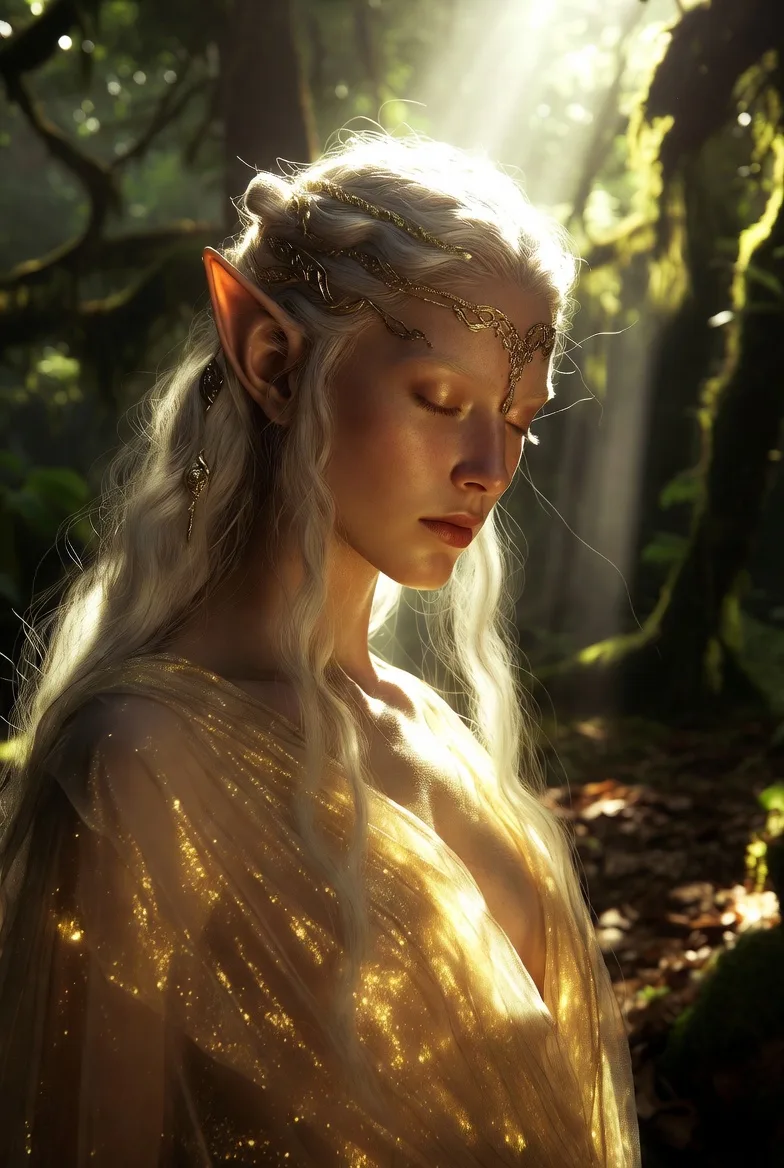

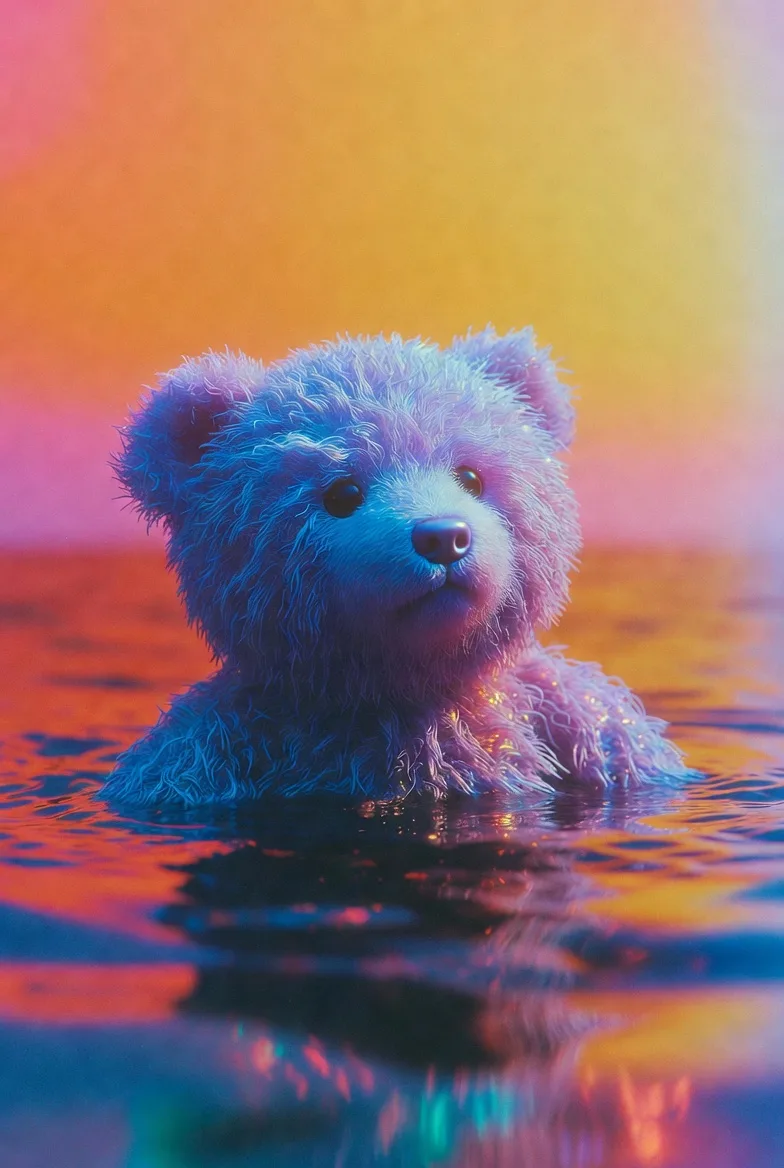
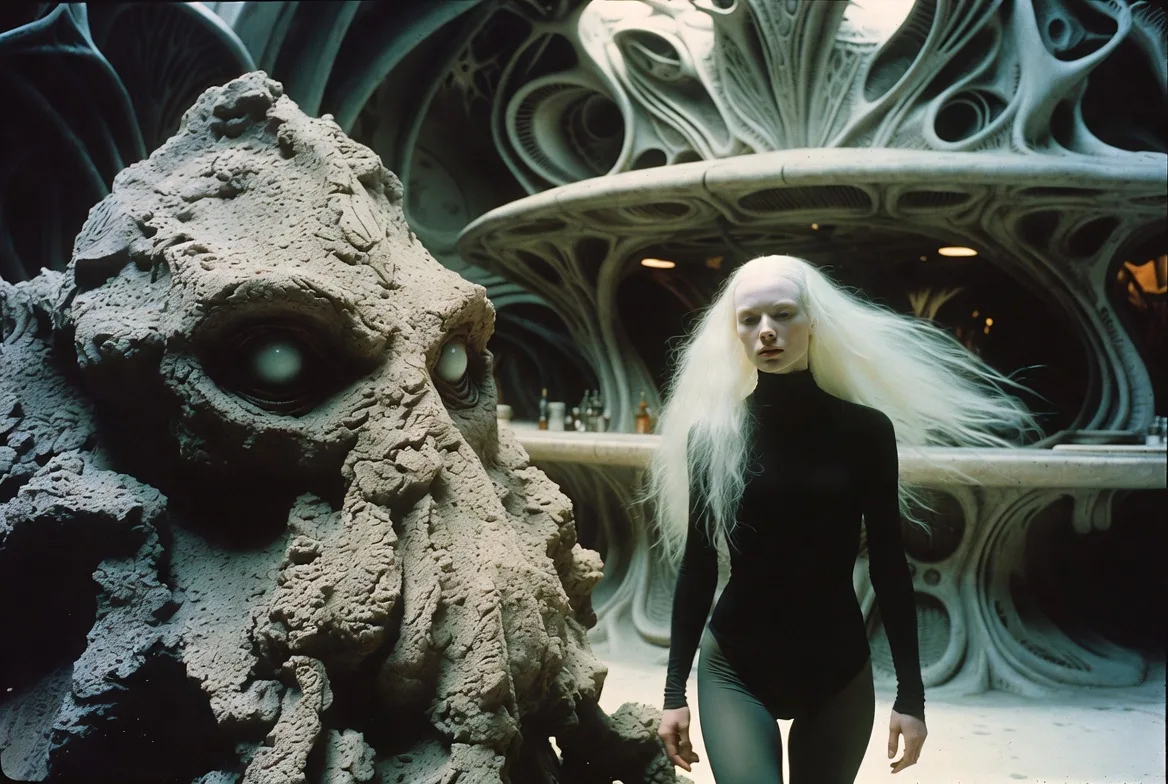


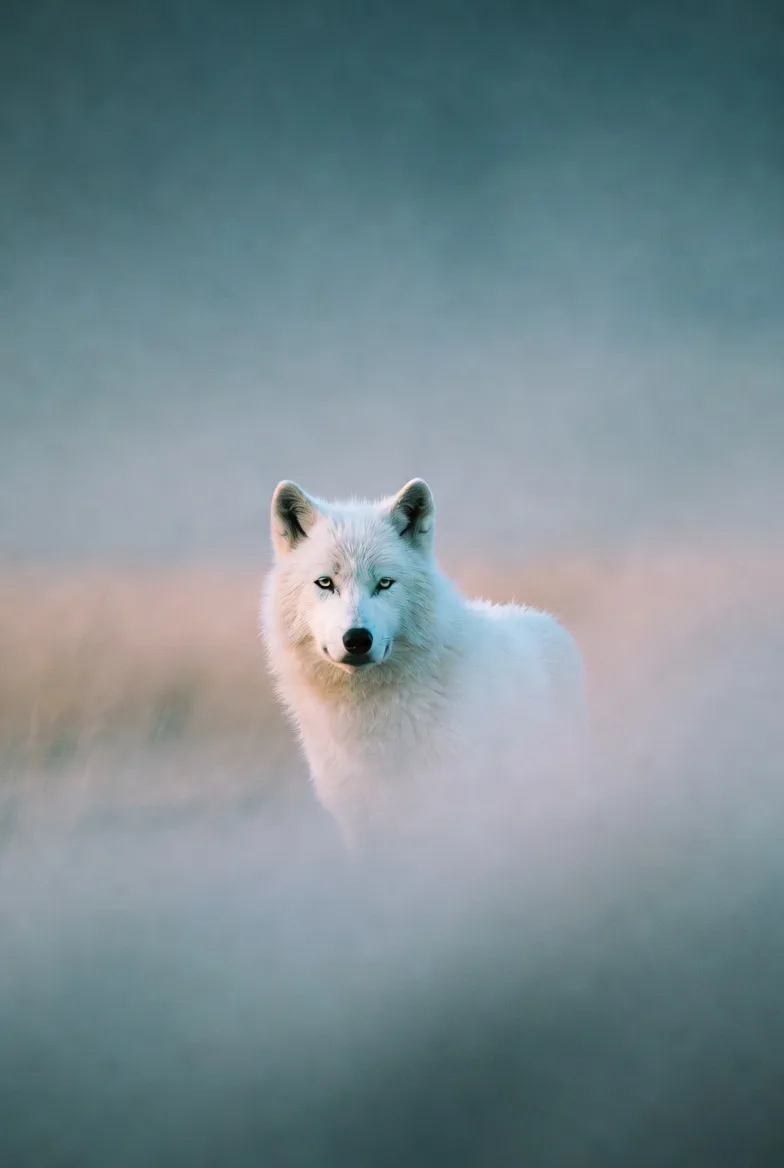

 Opalite
Capture from any AI, automatically
Browser extensions for ChatGPT, Gemini, and Grok detect every image and video you generate and save them instantly to your cloud gallery.
Opalite





Your gallery, organized automatically
Every image sorted by source and date. Filter by platform, browse your collection, and access everything from one cloud dashboard.
AI-powered processing, one click
Upscale to 4×, remove backgrounds, and strip watermarks — all powered by AI, all from your dashboard.
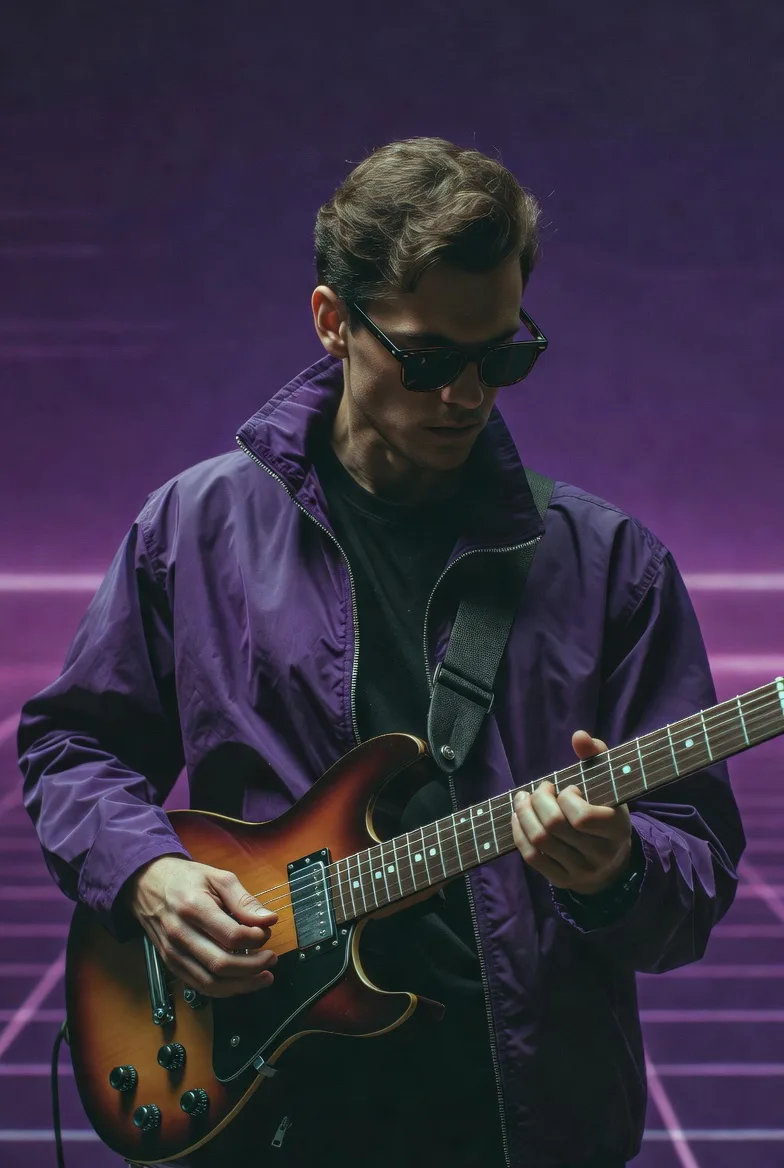


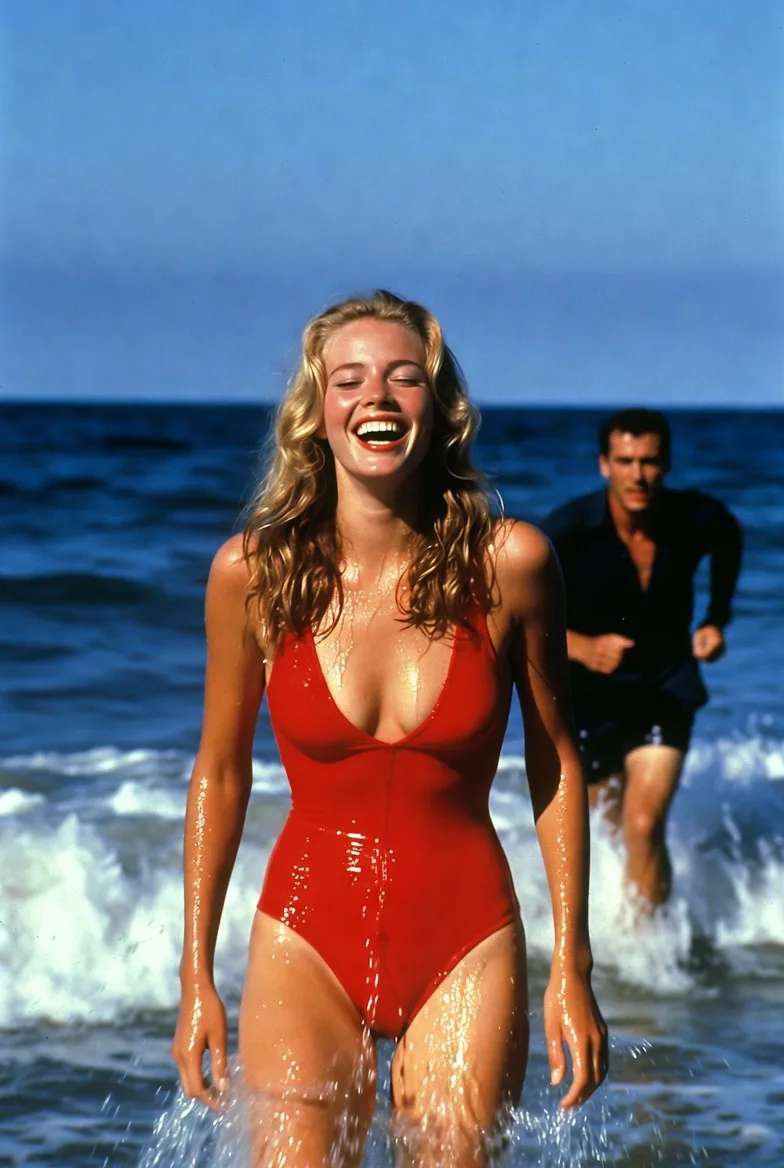
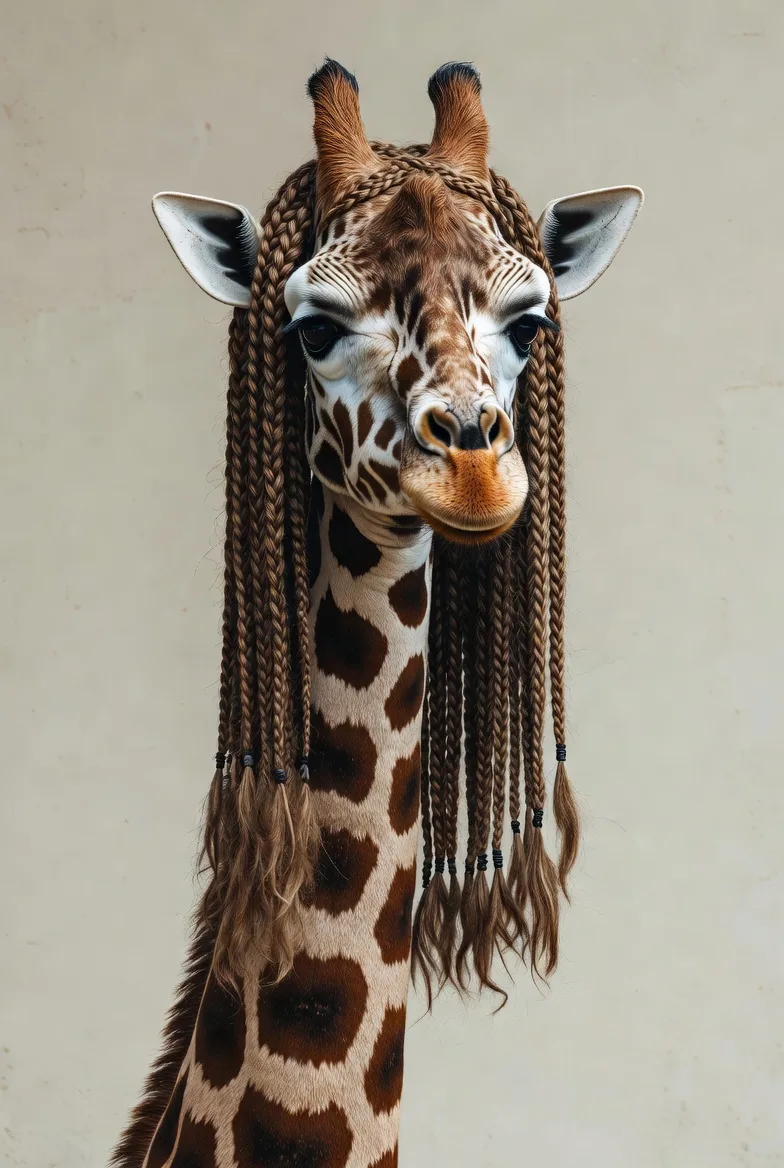

Color as language, texture as feeling. Every brushstroke a conversation between intention and accident.
#aiart #digitalpainting #creativestudio

AI writes your captions
Select any image from your gallery and let AI generate captions and hashtags tailored to your art style and audience.
One click, it's live
Publish directly to Instagram without leaving your dashboard. Your post goes live instantly — already getting likes and comments.
Get started in seconds
Install the extension for your AI platform. Your first 100 downloads are free.

ChatGPT Suite
Auto-save AI images from ChatGPT, DALL-E, and Sora
Free to install · Works with Chrome & Edge

Gemini Suite
Auto-save AI images from Gemini, AIStudio, and Flow
Free to install · Works with Chrome & Edge

Grok Suite
Auto-save AI images from Grok and Aurora
Free to install · Works with Chrome & Edge

DA Automator
Bulk automation for DeviantArt stash and submissions
Free to install · Works with Chrome & Edge
Pricing
Simple, transparent pricing
Start free. Upgrade when you need more power.
Free
Try it out
- 100 downloads/month
- All browser extensions
- Unlimited Sharp 2x upscale
- 75 welcome credits (one-time)
- 1 GB storage
Plus
For regular creators
- Unlimited downloads
- All browser extensions
- 1,200 credits/month
- AI upscale, RMBG, captions
- 25 GB storage
Pro
For power users
- Everything in Plus
- 4,500 credits/month
- Video watermark removal
- Priority processing
- 50 GB storage
Credits are used for AI processing: upscaling, background removal, watermark removal, and caption generation. Each action costs 1–5 credits depending on complexity.
View full comparisonFrequently asked questions
Everything you need to know about Opalite Studio.
You create. We'll handle the rest.
Get Started FreeNo credit card required · 100 free downloads/month